
Bring your own builder
Our landing page editor handles most events. For the rest, build the page in whatever tool your team already knows. Gatsby handles registration on top.
Key Takeaways
- Gatsby's embed block lets you host the registration page anywhere while Gatsby still handles RSVPs, tracking, and personal links
- Use the tool your team is already fastest in (Webflow, Framer, Canva Sites, an AI builder, your agency's stack)
- External builders cache aggressively; if a change isn't showing up, open the URL in incognito before assuming the embed is broken
For most events, a dinner, a breakfast, a one-day forum, our landing page editor is still the fastest way to get a page up. Using one our templates (or one you worked on previously), you can have a page live in twenty minutes, and it comes out looking like your brand. The editor keeps pages simple on purpose, and for most events that’s exactly what you want.
This piece is about the events that don’t fit.
Think of a multi-day summit with a tabbed agenda and thirty speaker bios. Or a flagship page your design team wants real control over: navigation that follows you down the page, sections that animate as you scroll, pop-out windows for speakers. At that point, you want your page doing work our editor was not designed to do.
Until recently you had two options: squeeze the event into the editor anyway, or build the page somewhere else and use Gatsby’s public registration link with a survey-only configuration. Neither was good.
There’s a third option now.
How it works
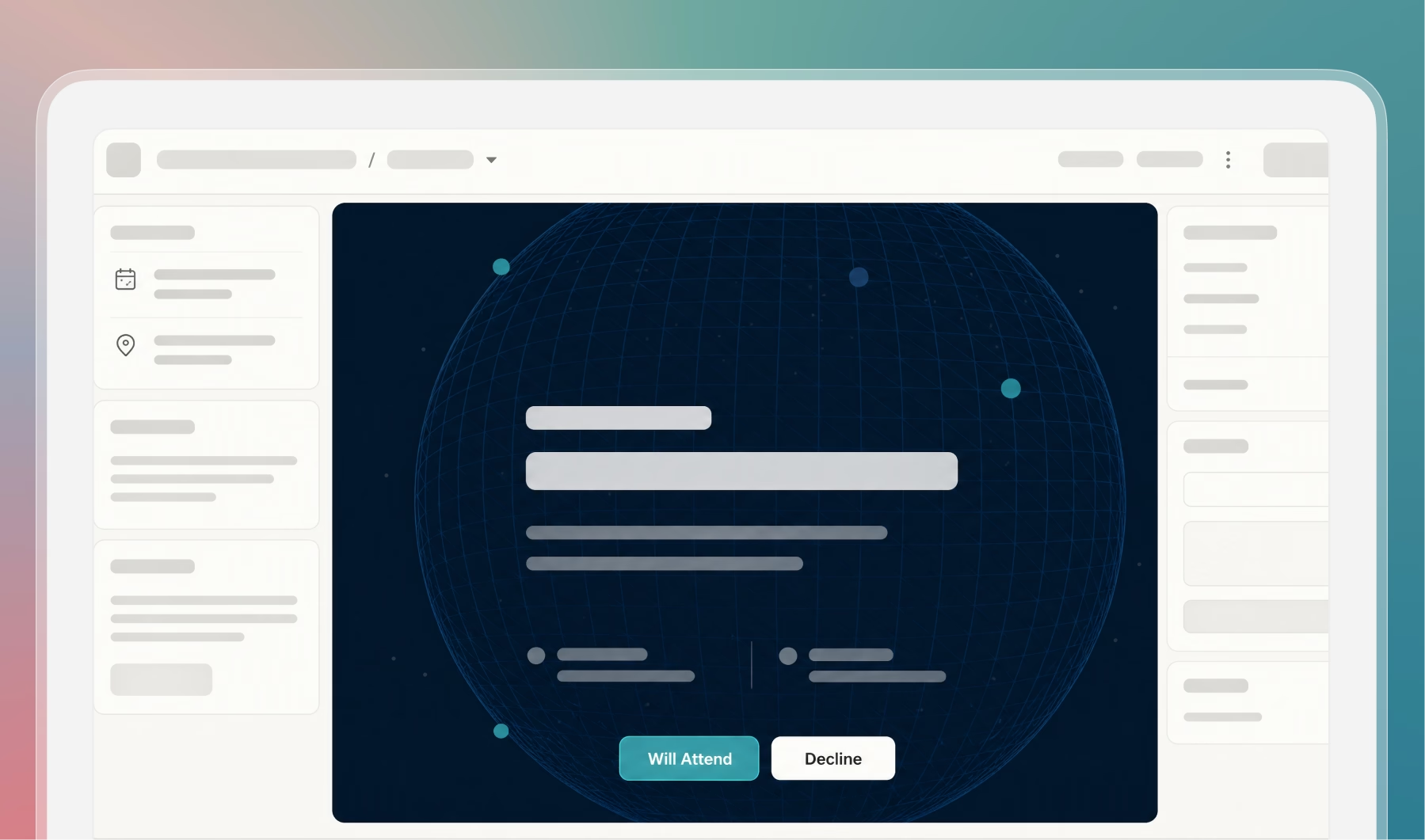
The setup uses Gatsby’s embed block, the same one you might have used to drop a Google Map onto a page. Set it to full width and full height, point it at the public URL of the page you built elsewhere, and that page fills the screen. Gatsby’s registration button can then float on top.
The embedded page handles how everything looks. Gatsby handles registration.
That second half matters. The external page never touches a guest record. It collects no emails, has no form of its own, and there’s no second database to keep in sync. Your guest list stays in Gatsby.
When a guest clicks an RSVP button, they’re clicking a Gatsby button. Personal links still detect the guest, the form pre-fills, the response lands in the right event, and the confirmation goes out from your sending domain.
Check-in, campaigns, seating, and post-event surveys all work exactly as they would on a native page. The only thing you’ve changed is what the page looks like.
Gatsby ships a template called Portal that handles the embed configuration for you.
When you create a new landing page, look for “Portal” under Global Templates. Full setup guide.
Use the tool your team is already fast in
If your marketing team lives in Webflow, build the page in Webflow. If your designer is a Framer person, use Framer. If you’ve shipped fifty decks in Canva and can turn out a polished Canva Site in an afternoon, that’s the right tool.
If you keep an agency on retainer, hand them the brief and pull the result into the embed. If an AI builder gets you eighty percent of the way in twenty minutes, use that.
The point is that nobody has to learn a new design tool on a deadline. Whatever your team is already quick in is the right answer.
What to try this week
Pick one upcoming event where you already know the editor is going to be a fight.
Build the page in whatever tool someone on your team moves fastest in, pull it into the Portal template, and open the page yourself before any invites go out. Nothing sends until you send it, and if the page isn’t right you can swap the URL without touching your guest list or your campaigns.
One quirk worth knowing: external builders cache aggressively. If a change you just published isn’t showing up inside the embed, open the page URL in an incognito window before assuming something’s broken. Nine times out of ten the page is fine and your browser is showing you yesterday’s version.
Then send the first wave of invites and see who says yes.
Frequently Asked Questions
Does the embed work with personal RSVP links?
Yes. Personal links still detect the guest and pre-fill the form, regardless of how your design was built. Ultimately, the registration experience is still hosted and powered by Gatsby.
Where does the external page need to be hosted?
Anywhere with a public URL. Webflow, Framer, Canva Sites, Netlify, Vercel, an agency-built static page on your own server. The embed block just needs to be able to load it.
Do I still get tracking, campaigns, and check-in if the page lives outside Gatsby?
Yes. The external page handles presentation only. Registration, tracked invite opens, campaigns, confirmations, check-in, and seating all stay on Gatsby. From the operator's side, nothing about the workflow changes.
The Shortlist Monthly
For teams whose guest list is a shortlist
Once a month we send the best of what we published, one email, from the team at Gatsby.